
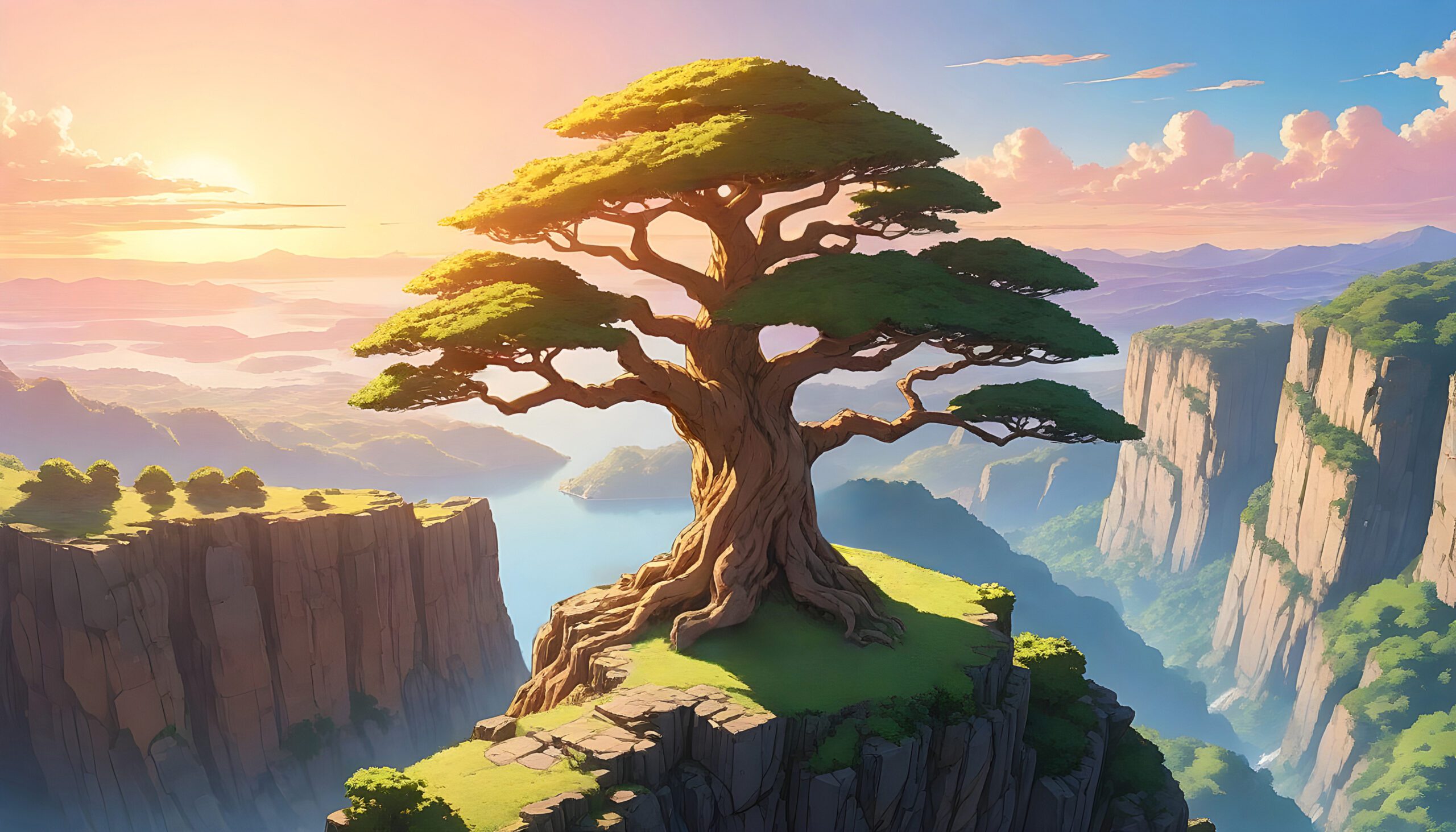
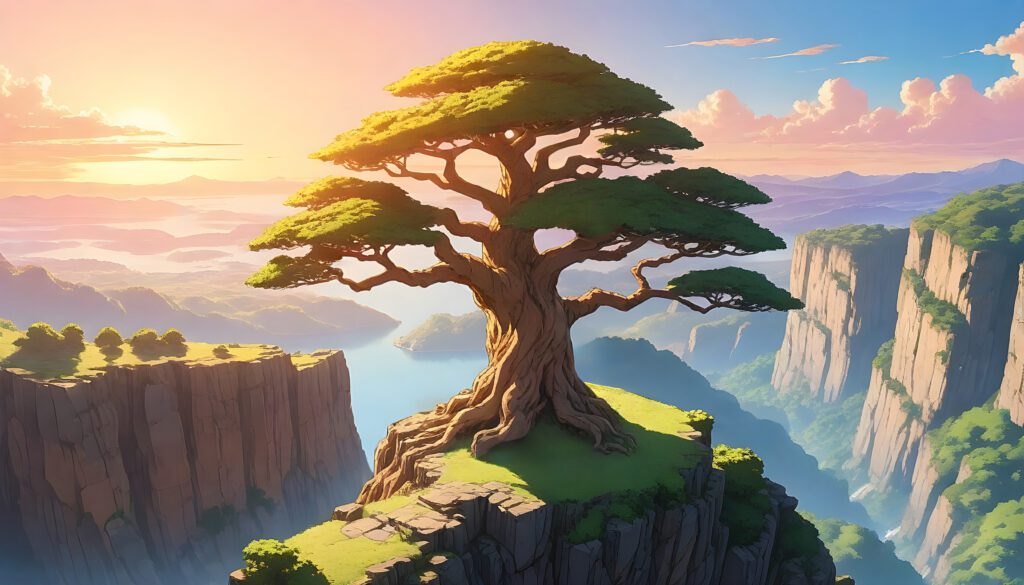
Do you adore the captivating realms depicted in Studio Ghibli films like Spirited Away and My Neighbor Totoro? Just imagine transforming your everyday photos into stunning ghibli style art, all with a few effortless clicks—and for free! With the advancements in AI technology like ChatGPT, you can create beautiful ghibli style art in no time, often in just five minutes.
This comprehensive guide will walk you through the process of using ChatGPT to generate ghibli style art images—no need for any artistic background. Let’s get started!
Why Turn Your Photos into Ghibli Art?
Creating ghibli style art allows you to capture the essence of these timeless films in your own unique way.
By transforming your photos into ghibli style art, you can express your creativity and immerse yourself in the dreamy aesthetics that make Ghibli films so beloved.
Turning your photos into ghibli style art allows you to express your creativity and immerse yourself in the whimsical aesthetics of your favorite Ghibli films.
Transforming your photos into ghibli style art not only enables you to unleash your creativity, but it also lets you dive deep into the enchanting aesthetics that define your favorite Ghibli films.
Studio Ghibli’s films are renowned for their: ✅ Whimsical, hand-painted aesthetic
✅ Soft, dreamy color palettes
✅ Magical, fantasy-like landscapes
By converting your photos into Ghibli-style images, you can: ✨ Add a unique anime vibe to your social media
✨ Create personalized Ghibli-themed wallpapers
✨ Turn your memories into fairytale-like artwork
How to Make Ghibli Art in ChatGPT (Step-by-Step)
Method 1: Using ChatGPT’s Built-In Image Generation (DALL·E 3)
If you have ChatGPT Plus (GPT-4 Turbo with DALL·E 3), follow these steps:
1. Upload Your Photo
- First, open ChatGPT and ensure you’re using GPT-4 Turbo.
- Next, click the attachment icon and upload your image.
2. Provide a Detailed Prompt
After uploading your photo, enter a detailed prompt. For example:
Transform this photo into a Studio Ghibli-style anime artwork. Use soft watercolor-like textures, warm lighting, and a whimsical background similar to Hayao Miyazaki’s films. Keep the subject recognizable but in a Ghibli art style.
3. Generate & Refine
- Once ChatGPT processes your request, it will generate a Ghibli-style version of your photo.
- If the result isn’t perfect, don’t hesitate to request adjustments. You might say:
Make it more like Howl’s Moving Castle with a fantasy sky.
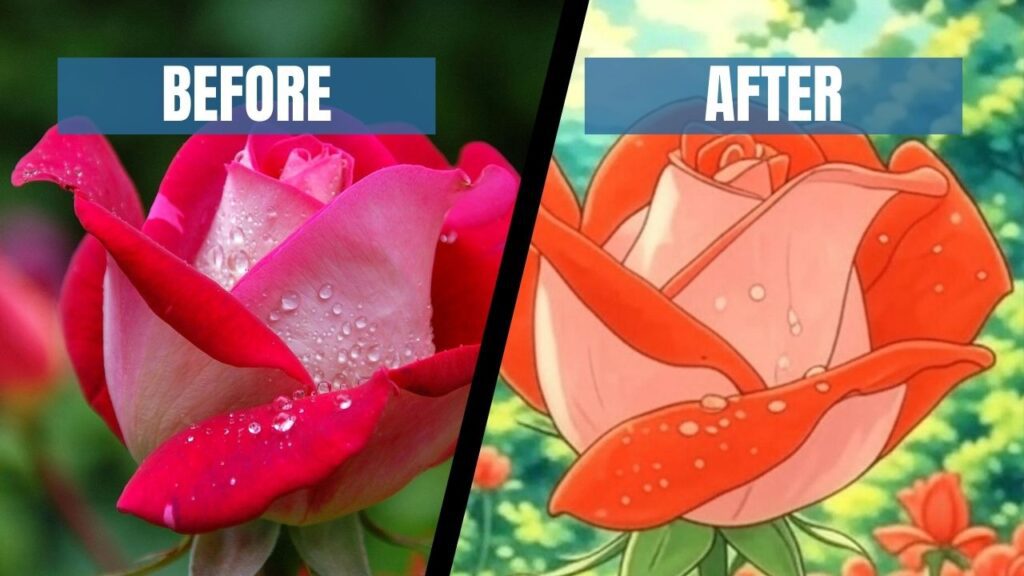
Method 2: Free AI Ghibli Image Generators (No ChatGPT Plus? No Problem!)
If you don’t have ChatGPT Plus, don’t worry! There are still plenty of free alternatives to explore.
Option 1: Bing Image Creator (Free DALL·E 3 Access)
- To begin, visit Bing Image Creator.
- Then, enter a prompt like:
Studio Ghibli-style portrait of [describe your photo], soft watercolor textures, dreamy background, Miyazaki aesthetic.
Option 2: NightCafe or Leonardo.AI
- Another great option is to upload your image to NightCafe or Leonardo.AI.
- After selecting an anime-style AI filter, use keywords like Ghibli studio art or Miyazaki-inspired to enhance your results.
Tips for Perfect Ghibli AI Art
🔹 Use High-Quality Photos – Clear, well-lit images work best, as they allow for better AI interpretation.
🔹 Describe Ghibli Elements – Be sure to mention soft lighting, whimsical details, or fantasy backgrounds to guide the AI.
🔹 Experiment with Styles – Try prompts like Totoro forest background or Kiki’s Delivery Service sky to achieve different effects.
Final Thoughts
With ChatGPT and AI Ghibli art generators, anyone can turn their photos into stunning Studio Ghibli art style masterpieces—no drawing skills required! Whether you’re creating anime-style profile pictures or magical landscape art, this simple trick brings Miyazaki’s world to your images.
So, why wait? Give it a try now and watch your photos transform into Ghibli magic! 🌿✨
More AI Art Ideas
Which photo will you Ghibli-fy first? Let us know in the comments! 🎨